You planned the drop for weeks. The product photos were done. The email was scheduled. Then midnight came, and something was off. The product wasn't live yet. Or it was live but at the wrong price. Or the sale never ended and you gave away margin for two extra days.
Midnight launches go wrong for boring reasons. Not bad luck. Not Shopify being broken. Small process gaps that only show up at 12:00 AM when nobody's watching. Here are the five that catch stores most often, and the fix for each.
Timezone confusion is the number one cause
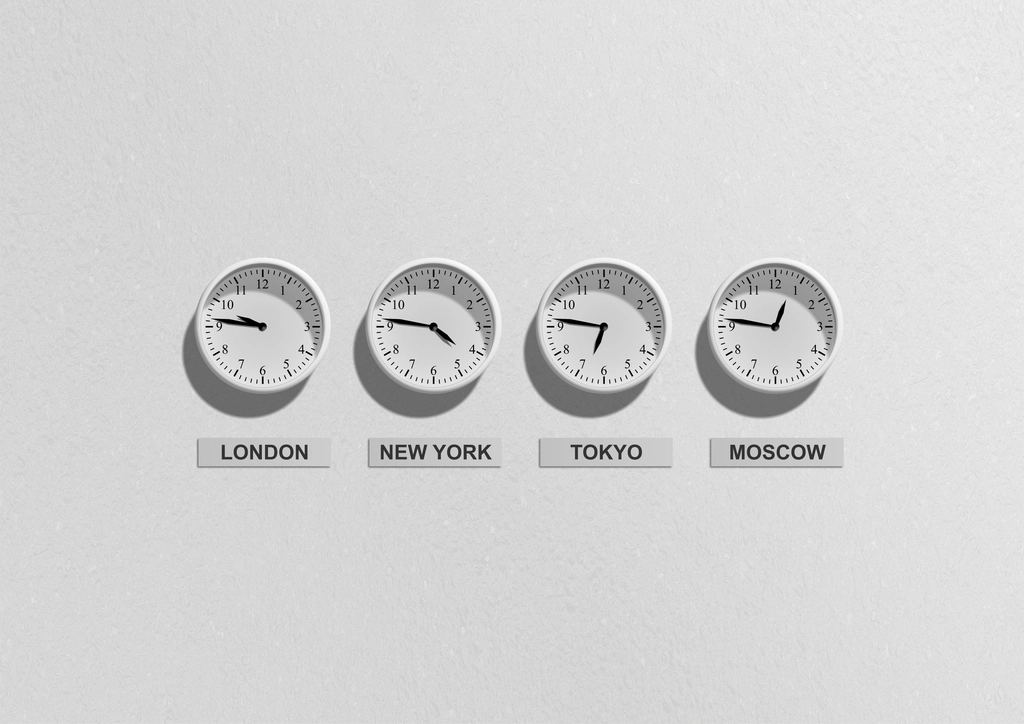
You set a launch for "midnight." Midnight where?
Shopify's native scheduled publishing and its discount start/end times all run on your store's configured timezone, set under Settings, General. Not the customer's local time. Not your phone's time if you're traveling. The store's.
So if your store is set to New York time and you're thinking in Pacific time, your "midnight" drop goes live three hours before you expect. Or three hours late. Multiply that by a discount that starts on one clock and a product that publishes on another, and you get a window where the product is live at full price with no sale attached.
Shopify does not localize a launch per market. One time, one timezone. If you sell across regions and want a real per-market launch, you're coordinating that yourself.
The fix: confirm the store timezone before you schedule anything. Write your launch time down in that timezone, not yours. If a tool asks for a date and time, know which clock it's using.
Double-check the store timezone the week of a big drop, especially after daylight saving changes. A store set months ago can be an hour off from what your team assumes, and nobody notices until the launch fires early.
Human lateness: someone has to be at the keyboard
The most common launch plan is still "I'll log in at 11:55 and hit publish." That plan has a single point of failure, and it's you.
You fall asleep. The wifi drops. Admin is slow to load. You fat-finger the wrong variant. Now the drop is late, the traffic spike hits an unpublished product, and the momentum you built is gone.
Shopify can remove you from this. For a single product going live, the admin has a built-in scheduled availability date. Open the product's Online Store availability, choose to schedule it, pick the future date and time, and save. At that moment Shopify publishes it for you. No keyboard required.
That covers one product publishing. It does not cover the product coming down, publishing thirty products at once, or firing a price change and an announcement bar at the same second. For a coordinated drop, you want the whole sequence on a timer, not just one publish.
Nobody scheduled the end
Getting the drop live is half the job. The other half is ending it, and this is where money leaks.
Shopify does let you schedule discount start and end times. Both code and automatic discounts have active-from and active-until fields, and Shopify expires them on schedule. Use them. A discount with no end date is a decision to end it manually, and manual endings get forgotten.
The gap is everything that isn't a discount. Shopify's standard admin schedules a product going live, but there's no native scheduled unpublish. Same with a temporary price, a launch-week announcement bar, or a flash inventory cap. Those come down when you remember to take them down. Which, after a launch, is usually later than planned.
If you want a change to reverse on its own, you need an end time attached to it. Schedule It does this with auto-revert: set an end time and the price, publish state, or announcement bar rolls back to exactly what it was before. You schedule the start and the end in one shot and walk away.
Live theme edits during a spike
Announcement bars are a classic. There's no native scheduling for one, so the usual method is to edit the theme by hand at launch time. Same for swapping a banner or turning on a "shop the drop" section.
Editing a live theme while traffic is climbing is how a launch turns into a fire drill. One wrong save, one broken section, and the store you just drove thousands of people to is showing a layout bug.
The safer pattern is to prepare theme changes ahead of time and flip them on a schedule instead of editing live. An app can schedule a theme publish with an auto-revert, and can toggle an announcement bar on and off without touching theme code at all. Set it before the crowd shows up. Don't edit under load.
No retry if something hiccups
Shopify's API has transient errors. Throttles. Brief timeouts. On a normal day you'd never notice. During a launch spike, a single hiccup at the exact publish moment can mean the change silently doesn't apply.
A manual publish has no retry. It either worked or it didn't, and you find out from an angry DM.
This is the quiet argument for server-side scheduling. Schedule It runs changes on a timer on the server and retries automatically on transient errors, then logs every attempt with a status, timestamp, and Shopify request id. If you want proof it fired, you have it. You can also send completion or failure alerts to up to 10 people, so if something does go sideways you hear about it in seconds, not the next morning. See the Features list for the full set.
Put the whole launch on one timer
None of these five failures need a human at midnight. Timezone, timing, the end, the theme, the retry: each one has a fix, and the fix is the same shape. Decide the exact moment in the store's timezone, chain the actions into one automation, attach an end time, and let it run.
That's the plan behind launching a product at midnight without staying awake. Before your next drop, walk the Shopify product launch checklist once so nothing goes live unscheduled.
Set it once. Walk away.